
Getting Started with Weather-Based Content
Learn how to create weather-responsive digital signage campaigns that automatically adjust messaging based on current conditions, increasing relevance and driving better results.
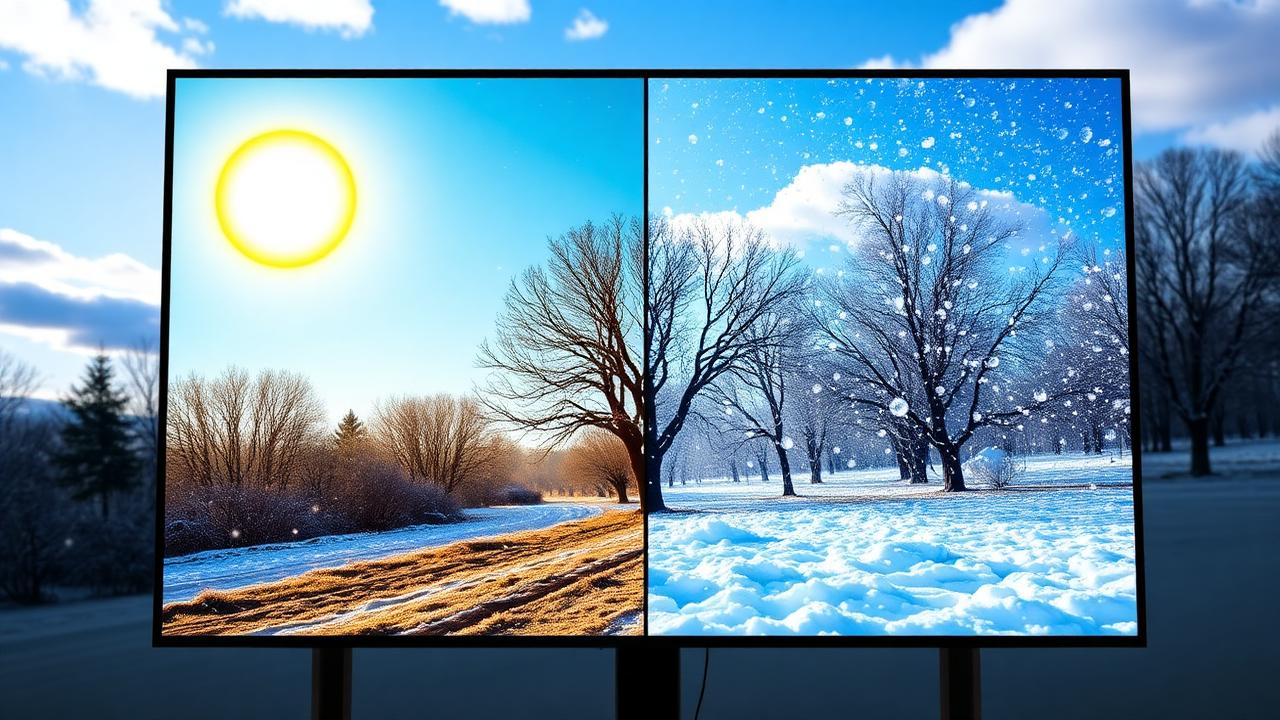
Weather significantly influences consumer behavior and purchase decisions. Studies show that 70% of purchasing decisions are influenced by weather conditions. By adapting your digital signage content to current weather, you can increase relevance by up to 50% and drive significantly better engagement.
DigiOnGo makes weather-based content automation easy, requiring no coding knowledge or complex integrations. This tutorial will guide you through setting up your first weather-responsive campaign.
Why Weather-Based Content Works
Sunny Days
Perfect for promoting outdoor products, cold beverages, sunglasses, and seasonal items. Ice cream sales increase 60% on sunny days above 75°F.
Rainy Weather
Ideal for highlighting umbrellas, rain gear, comfort food, and indoor entertainment. Hot beverage sales jump 40% during rainy conditions.
Snow & Cold
Promote winter apparel, heating products, hot meals, and seasonal specials. Winter clothing sales can spike 120% during first snowfall.
Windy Conditions
Highlight protective accessories, hair care products, and stable outdoor items. Wind-resistant product mentions increase purchase intent by 35%.
Step-by-Step Setup Guide
Enable Weather Data
In your DigiOnGo dashboard, navigate to Settings → Integrations → Weather Services. Choose your preferred weather data provider (we support OpenWeatherMap, Weather.com, and AccuWeather). Enter your location or let the system auto-detect based on your display's IP address.
Tip: For multi-location businesses, you can set different weather zones for each display location.
Create Weather Rules
Go to Content → Weather Rules → Add New Rule. Define conditions such as:
- Temperature ranges (e.g., below 50°F, 50-75°F, above 75°F)
- Weather conditions (sunny, cloudy, rain, snow, fog)
- Humidity levels (for promoting dehumidifiers, moisturizers)
- Wind speed (for weather-sensitive products)
Example: "When temperature > 80°F AND condition = sunny, display Summer Drinks promotion."
Design Weather-Specific Content
Create different content variants for each weather scenario. Use DigiOnGo's template library or upload custom designs. Best practices:
- Use weather-appropriate imagery and colors (warm tones for cold weather, cool tones for hot weather)
- Include temperature or weather condition in the messaging for authenticity
- Create urgency based on forecast ("Rain expected this afternoon - get your umbrella now!")
Link Content to Rules
Associate each content variant with your weather rules. The system will automatically switch content when conditions change. You can set priority levels if multiple rules match simultaneously.
Pro tip: Set a default "fallback" content that displays when no specific weather rules match.
Test and Deploy
Use DigiOnGo's weather simulator to preview how content will look under different conditions. Test all scenarios before deploying live. Weather data updates automatically every 15-30 minutes, ensuring your content stays current.
Real-World Success Stories
Coffee Chain - 23% Sales Increase
A national coffee chain promoted iced drinks when temperature exceeded 70°F and hot beverages below 60°F. Result: 23% increase in beverage sales and 15% higher average transaction value.
Hardware Store - 40% Seasonal Product Boost
A hardware retailer promoted snow shovels, salt, and winter supplies when snowfall was forecasted. Saw 40% increase in seasonal product sales compared to previous year.
Restaurant - 18% Patio Seating Growth
A restaurant chain promoted outdoor patio seating during sunny weather with temperatures between 65-85°F. Patio reservations increased 18% and overall satisfaction scores improved.
Best Practices Summary
- Update weather data frequently (every 15-30 minutes) for accuracy
- Create at least 4-5 weather variants to cover common scenarios
- Test all rules before deployment using the weather simulator
- Monitor analytics to identify which weather conditions drive best results
- Combine weather rules with time-of-day scheduling for maximum relevance
Related Articles
Introducing AI Image Generator: Screen Visuals From a Text Prompt
Describe a visual, pick a format, get a ready-to-play image in your DigiOnGo content library — no designer, no stock photos.
How a Small Coffee Shop Makes Its Own Screen Ads With AI
A 30-seat coffee shop with no designer keeps its menu screen and window display fresh every week — prompts, routine, and what actually changed.
A Two-Chair Barbershop Fills Its Window Screen With AI Visuals
A two-chair barbershop replaced a static window poster with a vertical screen — and fills it with AI-generated visuals for services, promos and slow-hour offers.